Start with a rough cut
Nola suggests cuts for pauses and repetitions. Listen and decide what stays.
 See plans
Turn a recording into an edit you can shape. Nola finds pauses and repetitions, helps you add B-roll and creates captions—all on your computer.
The editor is available in English, Spanish and Portuguese.
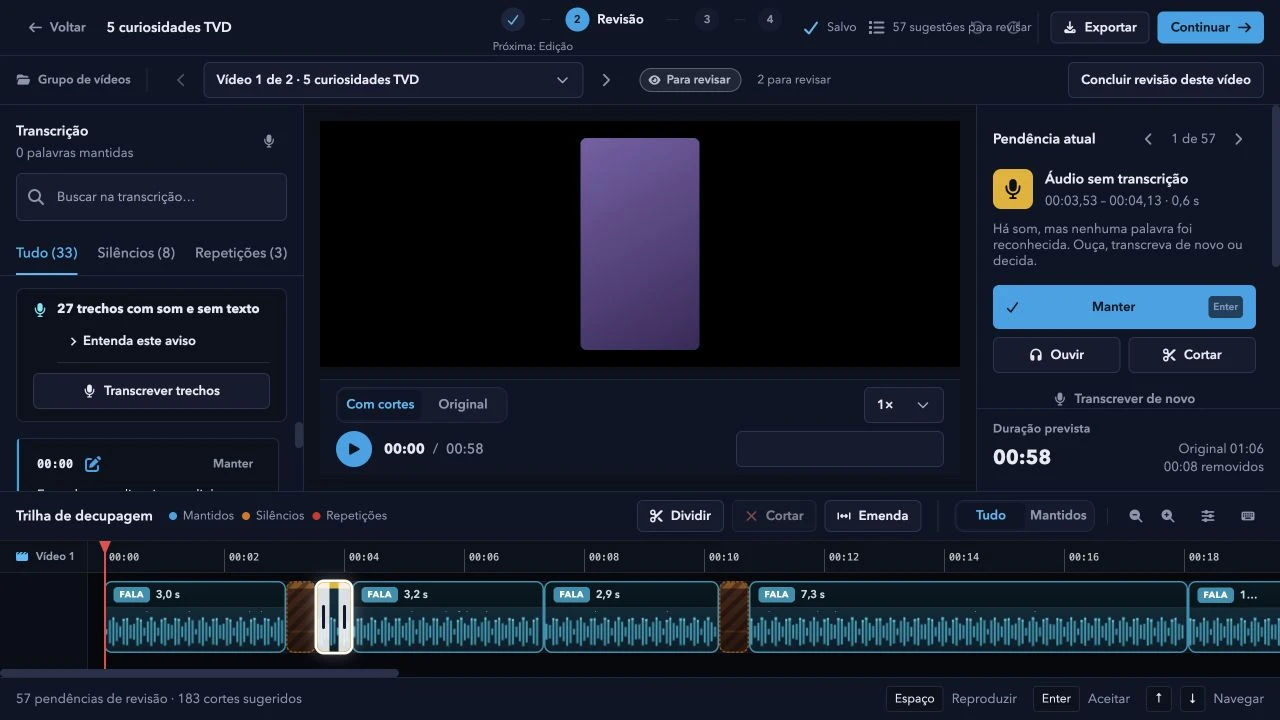
Nola suggests cuts for pauses and repetitions. Listen and decide what stays.
Combine your footage with supporting visuals in split-screen, blended or full-screen layouts.
Generate captions in English, Spanish or Portuguese, choose a style and export an SRT file.
Export your rough-cut timeline for Premiere Pro, DaVinci Resolve or Final Cut Pro, or export MP4 and SRT for CapCut.
Apply your B-roll, music and captions setup to a group of recordings, then export them in sequence.
Adjust color, add background music and replace the background with person cutout.
Add MP4, MOV or WebM recordings, individually or as a group.
Listen to the suggested cuts and choose what stays.
Add B-roll, captions and music, then export an MP4 up to 4K.
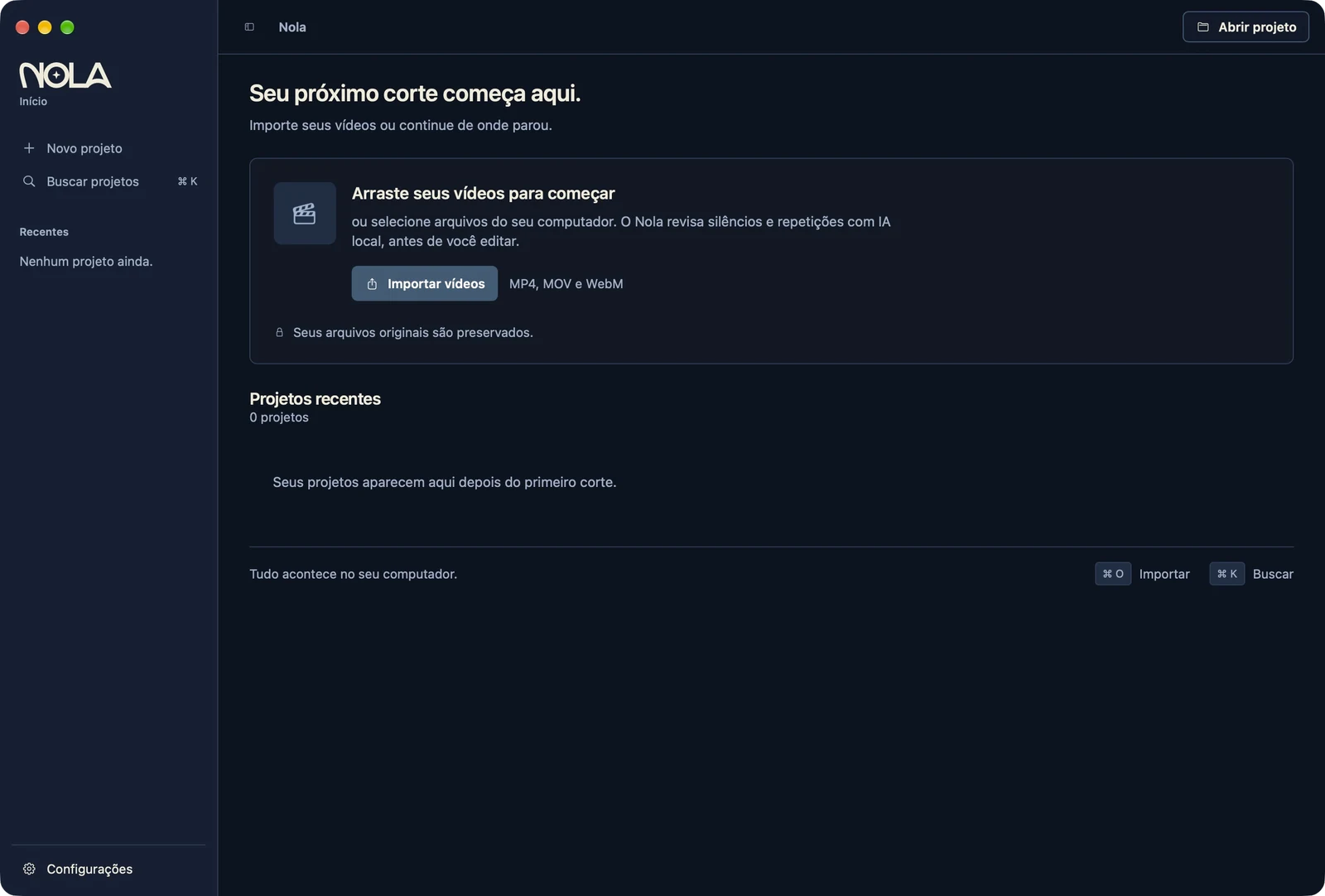
Transcription, cuts and export run on your computer. Original files are never changed. Some AI models need an internet connection to download on first use.
The same Nola editor across all three plans, for up to two active computers.
Renews monthly until canceled.
Renews annually until canceled.
One payment, no renewal.
The final amount, taxes and payment methods are shown at checkout and may vary by country.
The editor interface and automatic captions are available in English, Spanish and Portuguese.
Mac with Apple Silicon and macOS 13 or later, or a 64-bit PC with Windows 10 or 11. Intel-based Macs are not supported.
One account can have up to two active computers. Monthly and annual plans renew until canceled; the lifetime plan is a one-time purchase.
No. Transcription, cuts and export happen on your computer. Some AI models need to be downloaded on first use.
Speech recognition can make mistakes. Review suggestions and correct text and timing before exporting.